 BatterVibe
Made for Web Coding & Vibe Coding
Take your ideasa little further.
From your desk to the daylight, BatterVibe brings live Mac power readings, a brighter screen and ongoing development tasks into one thoughtful workspace.
MacBook · macOS 13 or later · Support varies by device and installation channel
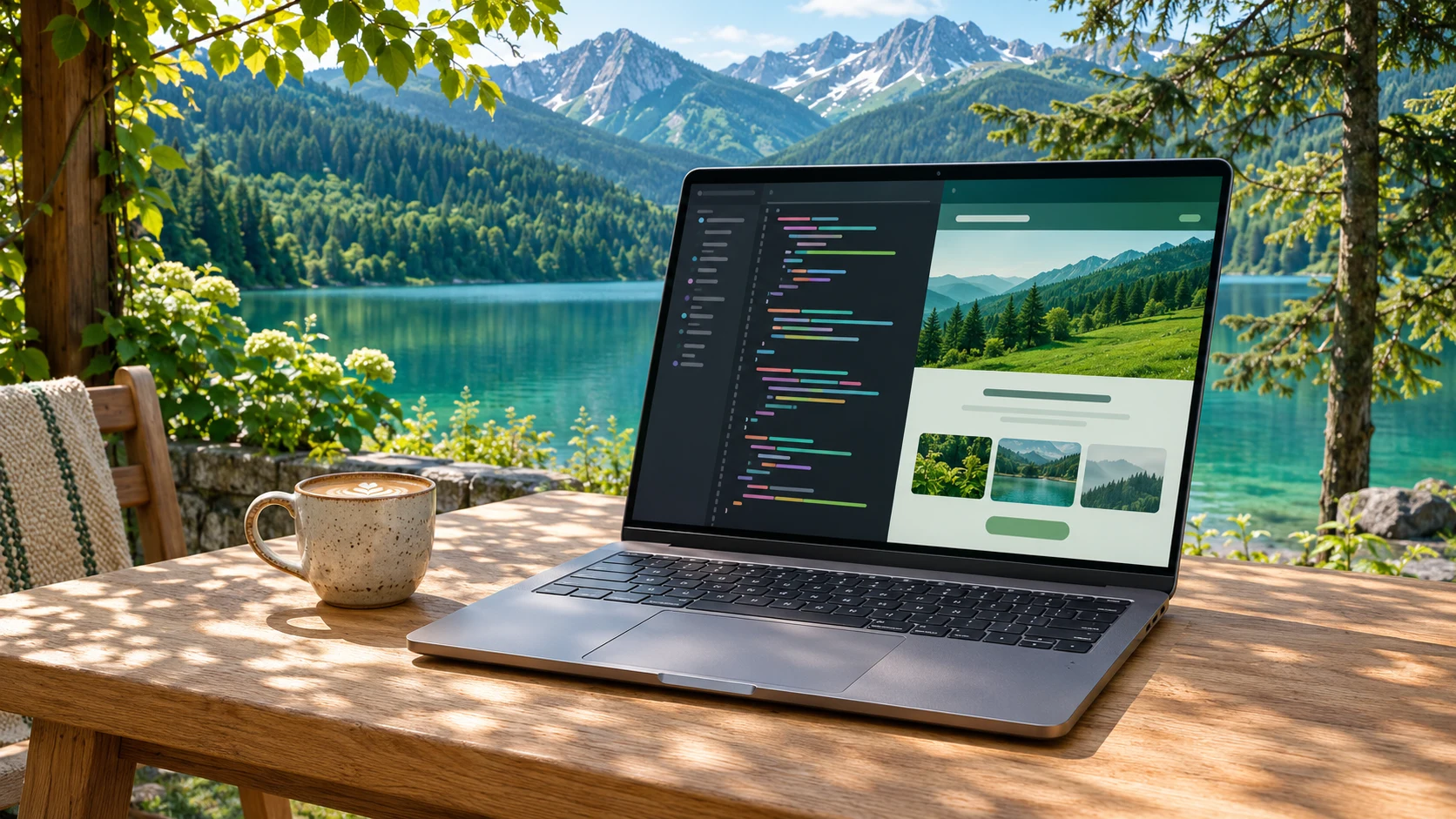
01 / Stay in your editor
What is this build using?
AI coding, browser previews and build tests all draw power. Keep input, system usage or net battery power in the menu bar, and see how your Mac is doing without leaving your work.
Readings vary by device, macOS and power state. These are Mac-wide measurements, not power attributed to individual apps.
- Power input
- 60.3W
- System usage
- 82.5W
- Net battery power
- −22.2W
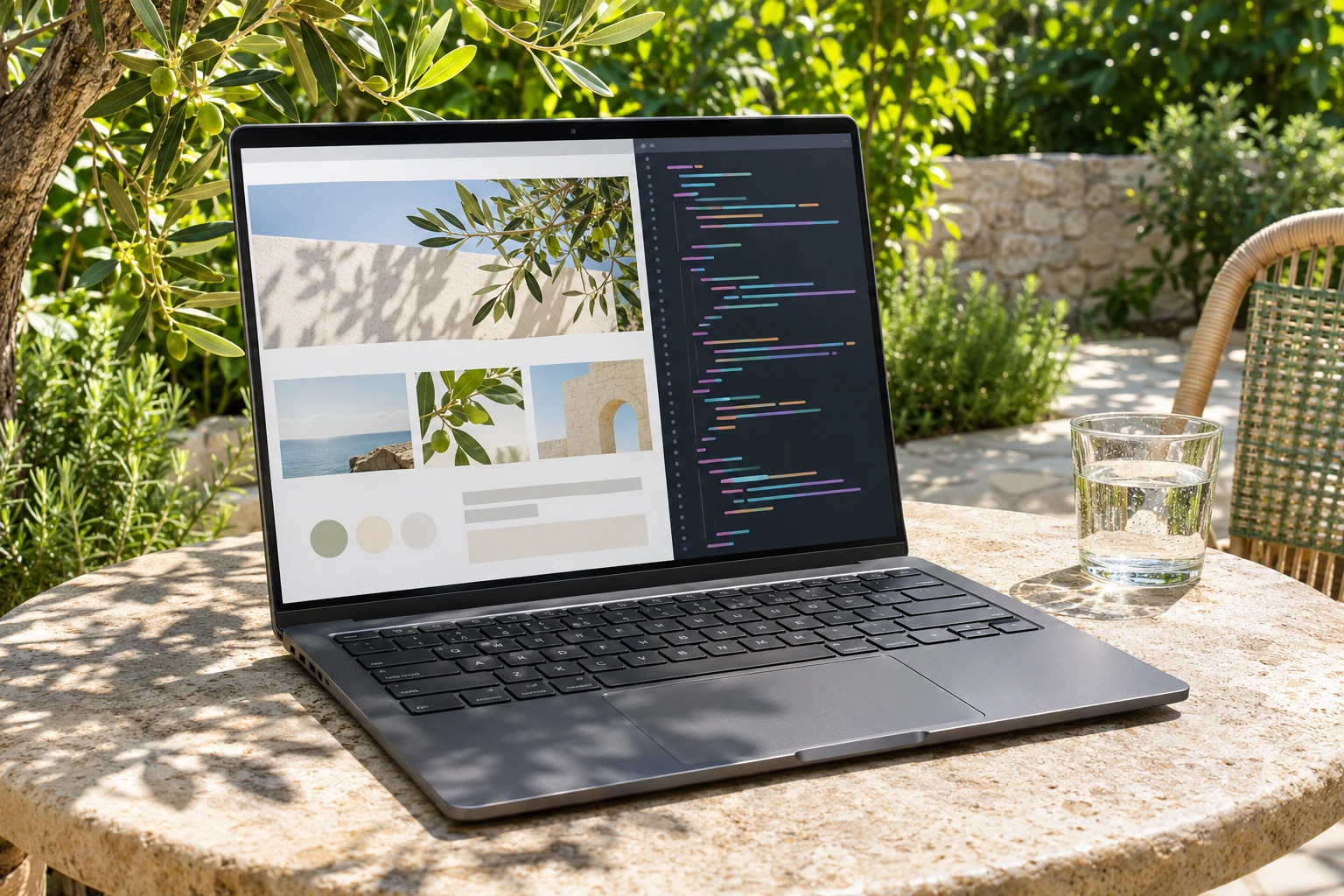
02 / Make room for nature
More daylight. More clarity.
Find a fresh view and keep making things. Use a compatible display’s extra brightness to read code and preview your website in natural light.
- HDR brightness boost
- Use the extra brightness headroom of a compatible XDR display for viewing in bright surroundings.
- On when you need it
- Turn on HDR boost when you need extra brightness, then turn it off when you head indoors.
HDR has been verified on the built-in XDR display of MacBook Pro (Mac14,6); other models await verification. Boosting brightness may use more power.
03 / Leave the waiting to your Mac
Close the lid. Keep the flow.
The build is still running. The download is not done. Let your Mac keep working on the desk, ready for you to pick up where you left off.
Closed-lid operation requires the website installation’s background component and system authorization. Support through the Mac App Store is still being verified. Keep the Mac on a ventilated, stationary surface.

The BatterVibe control panel
Learn the features. Restore your purchase.
The menu bar shows battery and power readings. The dedicated panel brings together feature explanations, compatibility, purchase restoration and a thank-you for supporting BatterVibe.
Feature guide
Understand power readings, HDR boost and closed-lid operation, along with their device and installation requirements.
Restore Purchases
After release, use your original Apple purchase account to restore eligible entitlements. No separate BatterVibe account is needed.
Thank you
Your support helps us keep improving the little utility that accompanies your coding day.
Release status
The new BatterVibe is taking shape.
The version currently submitted for review is the earlier battery monitor. The new experience, dedicated control panel and Apple in-app purchases shown here are in development. Downloads and trials for the new release are not yet available.
Try it. Then decide.
A free 14-day initial trial, followed by an optional one-time purchase. The planned mainland China price is CNY 6, with no automatic renewal. Local prices will appear in Apple’s purchase screen after release.
Read support and compatibility notesYour readings stay on your Mac.
No separate app account. Battery and power readings are not collected or uploaded.